



GeoZone
Define locations for smarter QR code redirection
With custom GeoZones, io.tt gives your team a new way to manage location-specific redirection. Define custom areas directly on a map, or upload lists of store and venue locations, then apply routing rules based on where the scan takes place.
This makes it easier to run more precise activations, retail campaigns, and connected packaging journeys, without changing the printed code.
Deliver smarter experiences
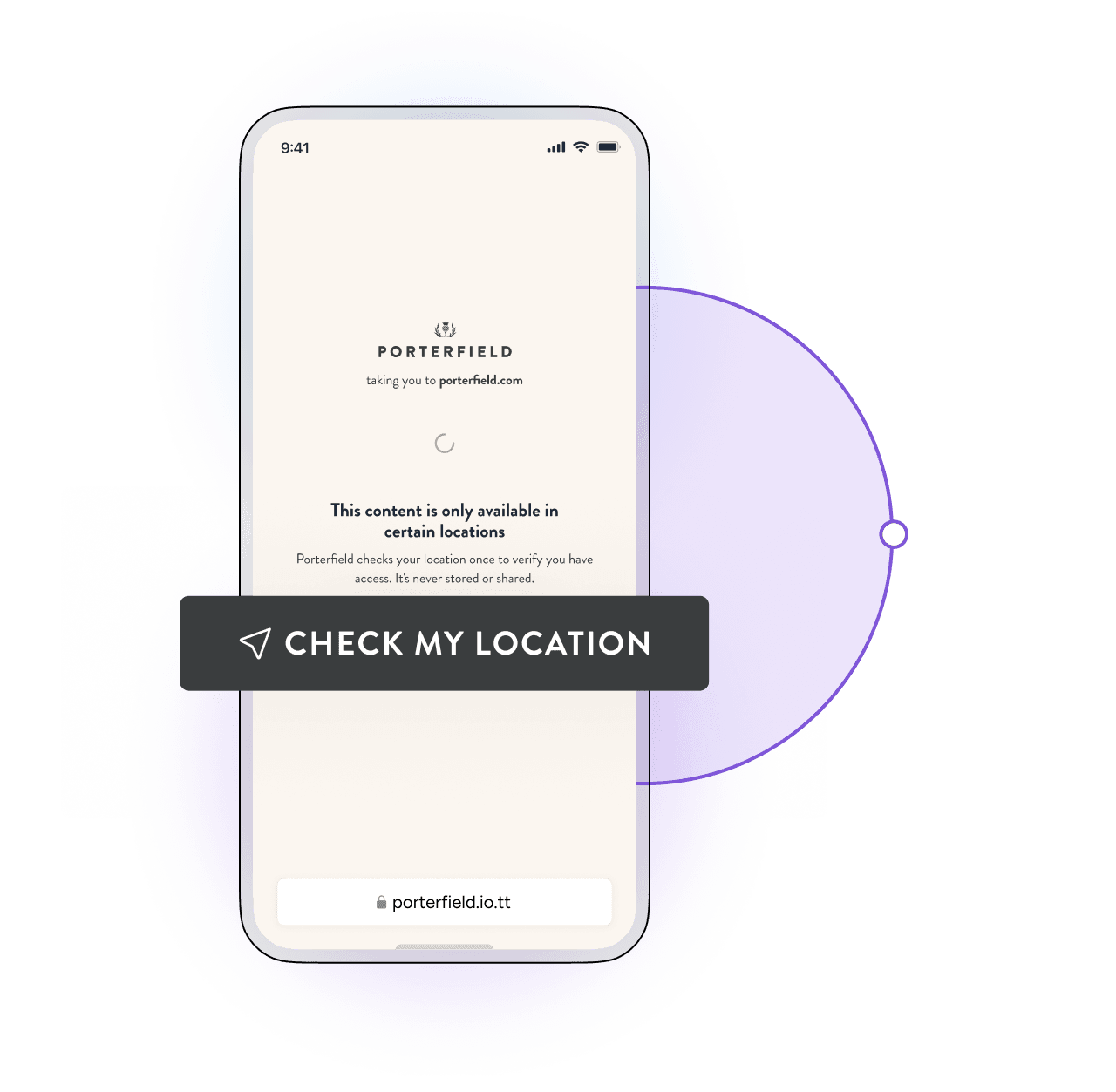
The same QR code can resolve differently depending on where it’s scanned, for example, directing users to an activation-specific experience within an event boundary, or serving pre-purchase and post-purchase journeys based on whether a product is scanned in-store or elsewhere.
Turn location into insights
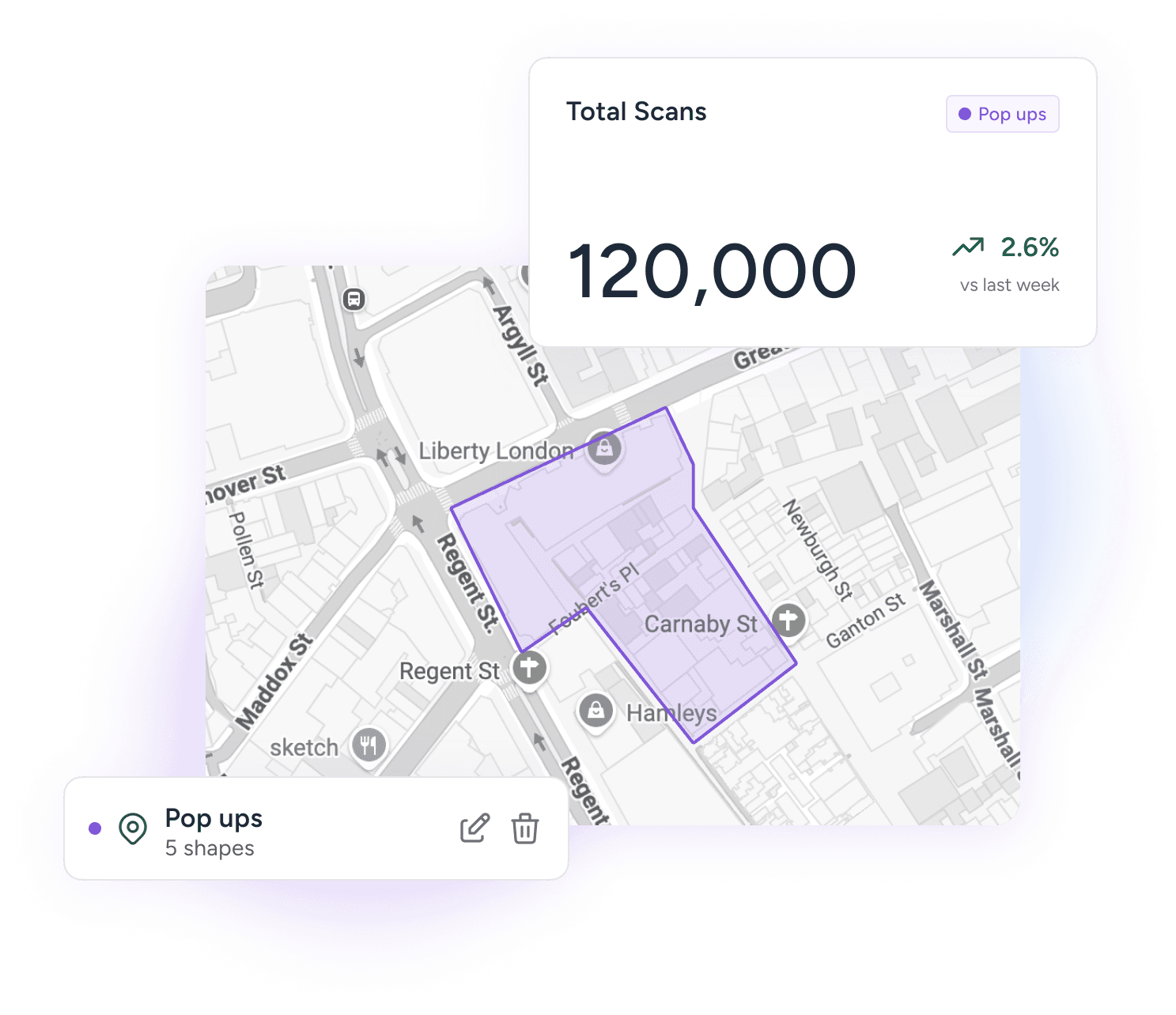
Use GeoZones not only to manage redirects, but to review where engagement is happening. Analyse scan activity by location, compare performance across activations or stores, and use those insights to optimise future campaigns.

Define custom zones
Draw custom GeoZones directly on a map to reflect real-world locations, from pop-up activations and event spaces to city zones and retail footprints.

Upload locations in bulk
Export print-ready QR assets in SVG, PNG, or PDF formats and integrate directly into existing artwork and packaging workflows.

Simple redirection
See consumer interactions, engagement data, and performance metrics in real-time across supply chain and marketing.